




 0086 18165740359


TS7 Series Spectrophotometer Vertical Multi?Function Accessory Installation and Operation Instructions
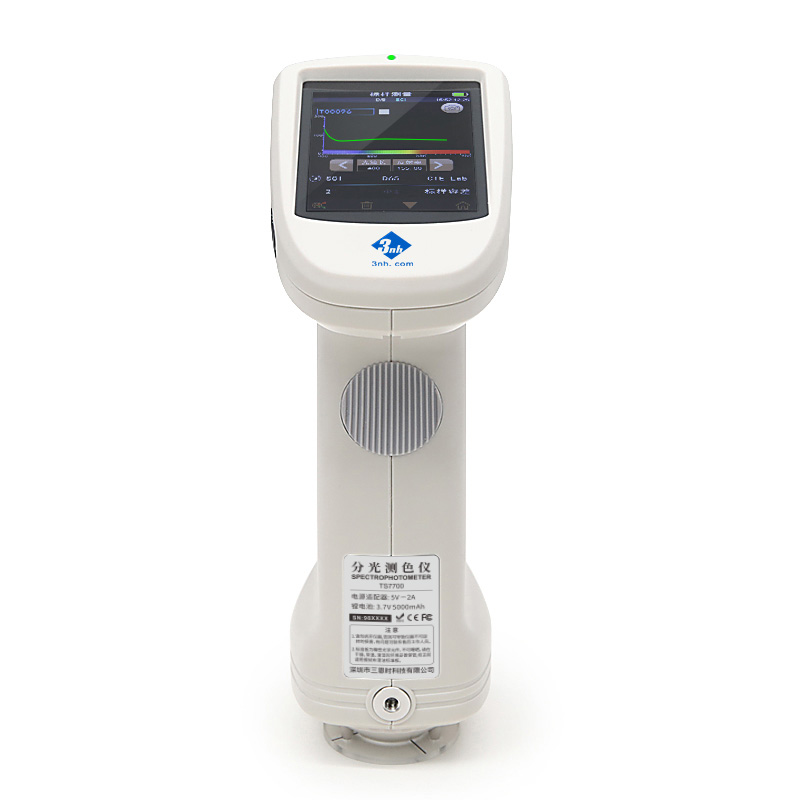
When measuring with the vertical multi?function accessory, the instrument is placed in an inverted position, making the display screen difficult to view and operate. Therefore, the instrument must be connected to a computer via a USB cable, and measurements shall be performed using the corresponding PC software.
Installation steps are illustrated in the diagrams below:
As shown in Figure 1: Stand the accessory upright, loosen the two screws by hand, and remove the movable block.

As shown in Figure 2: Install the flat?bottom measuring aperture (pointed?bottom aperture is not suitable) on the instrument. After completing necessary calibration and settings, slide the instrument into the accessory in the direction of the arrow.

As shown in Figure 3: Slide the movable block back into the accessory in the direction of the arrow, then tighten the three screws by hand. Connect the instrument to the computer using a USB cable.

As shown in Figure 4: Carefully place a petri dish containing the sample at the center of the measuring port and cover it with the light shield. You may then operate the PC software to perform measurement. Solid samples can also be placed directly on the measuring port for testing.

Notes: Since the measuring port faces upward, please operate with extreme caution during measurement. Do not allow any objects (liquids, dust, small particles) to fall into the measuring port! In particular, liquid ingress may cause damage to the instrument. Remove the sample promptly after measurement and cover the measuring port with the light shield for dust protection.
.jpg)

.jpg)
 Skype Online